Design 01 · Visual Builder
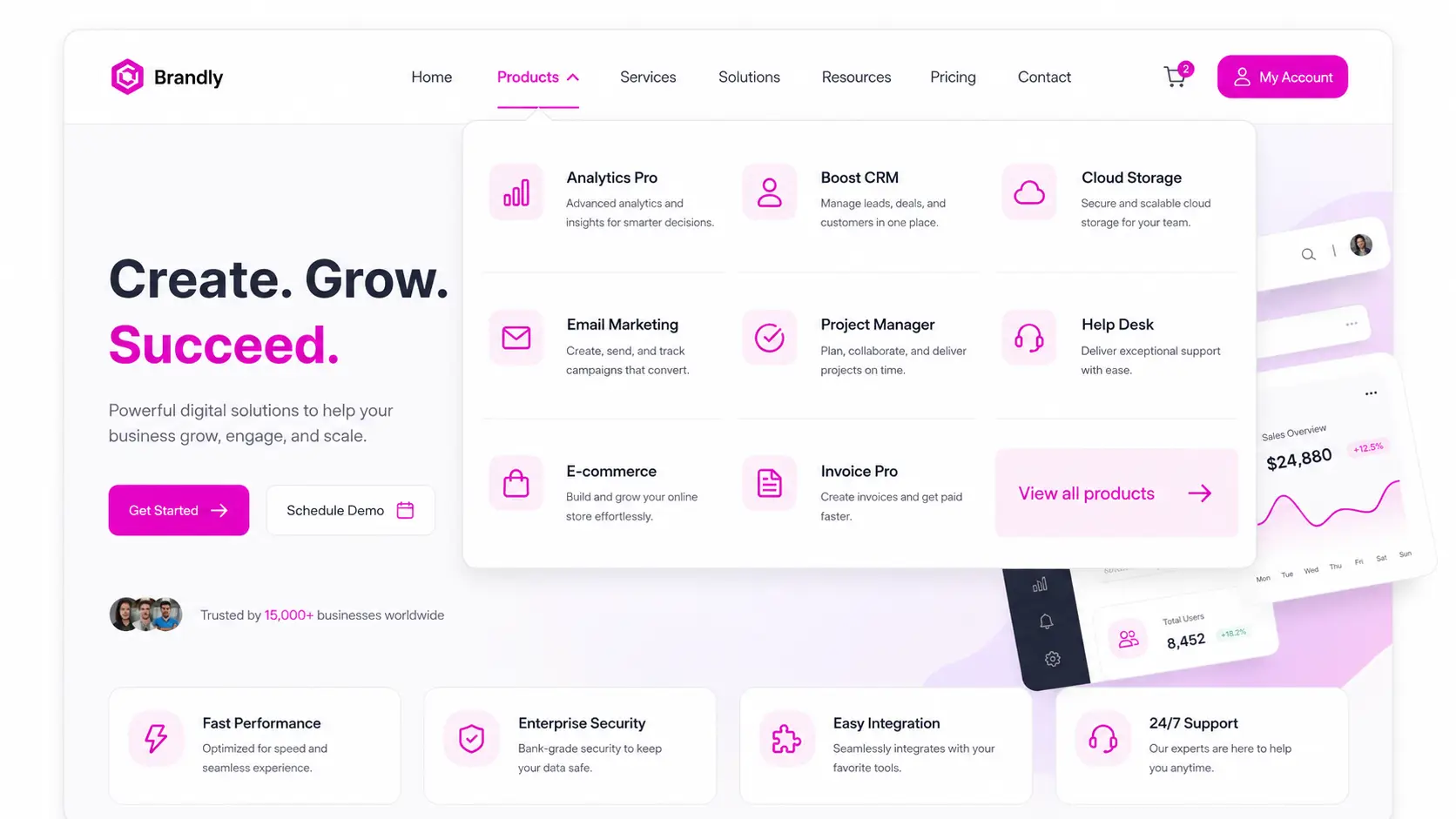
Mega menus built
with Elementor.
Design rich dropdowns with any widget: images, icons, buttons, product grids and more.
Design 02 · How It Works
Three steps to a
stunning menu.
Create a template, attach it to a menu item and publish. That is all.
1. Create a template
Design the dropdown content with Elementor.
2. Attach it
Assign the template to any menu item.
3. Publish
Your mega menu goes live instantly.
Design 03 · Why Teams Love It
Flexible, fast
and responsive.
Mega Menu Builder adapts to every screen and stays easy to maintain.
Multi-column layouts
Build menus with as many columns as you need.
Rich content
Add images, icons, badges and call-to-action buttons.
Mobile ready
Menus adapt automatically to tablets and phones.