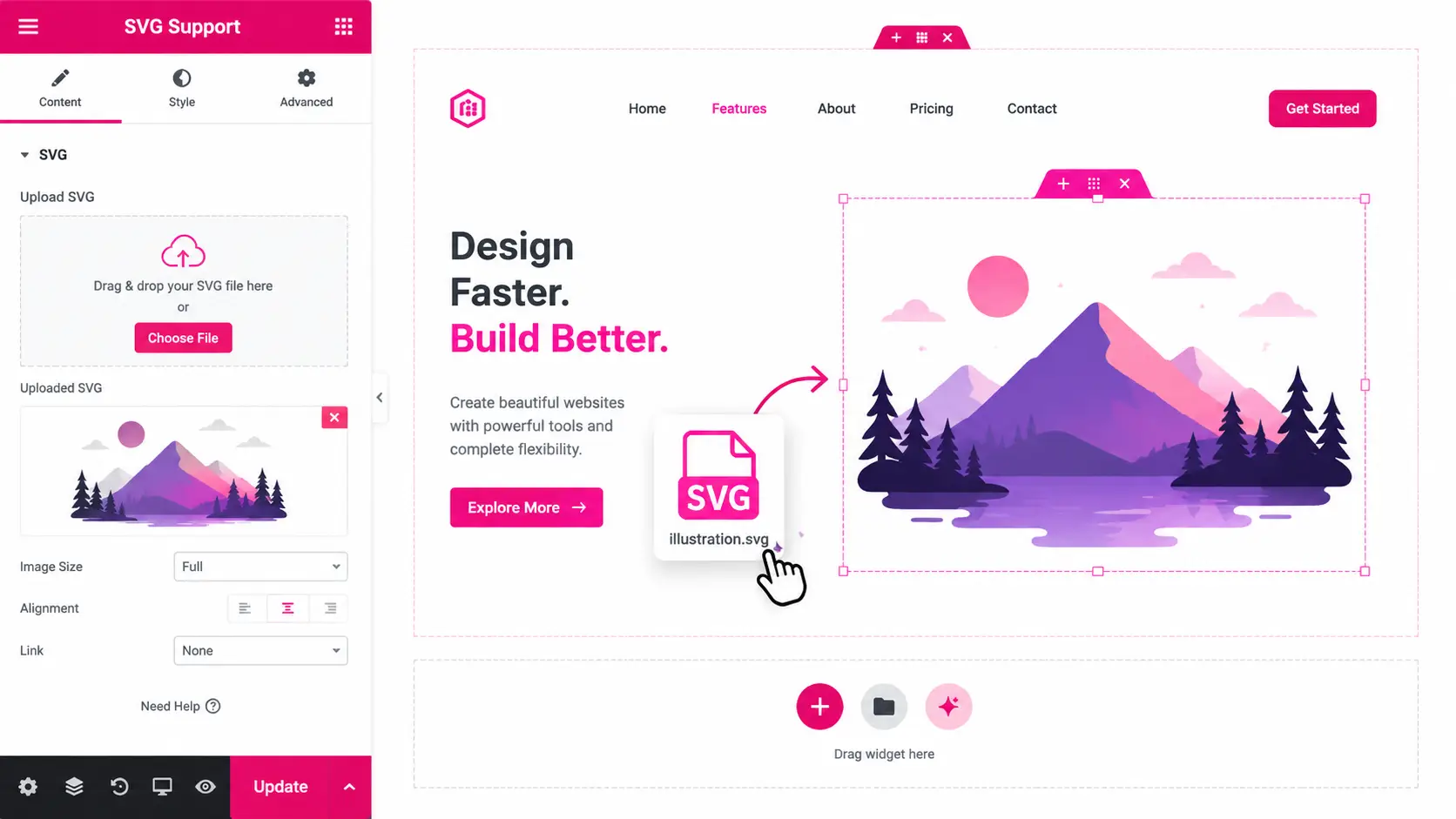
Design 01 · Upload SVGs

Crisp vectors,
everywhere.

Enable SVG uploads in the media library and use them in any Elementor widget.

Design 02 · How It Works

Enable, upload,
use.

Turn on SVG Support and upload files like any other image.

1. Enable

Switch on SVG Support in Atomic Addons settings.

2. Upload

Add SVG files to the WordPress media library.

3. Use anywhere

Insert them in images, icons and backgrounds.

Design 03 · Secure by Default

Safe SVG uploads
you can trust.

Every uploaded SVG is sanitised to remove unsafe code.

Sanitised files

Unsafe scripts and attributes are stripped on upload.

Sharp at any size

Vectors stay crisp on retina screens.

Tiny file sizes

SVGs are often smaller than PNG or JPG files.